
–ABOUT ME
Hola,
soyWan!
Brand, visual & UX/UI designer
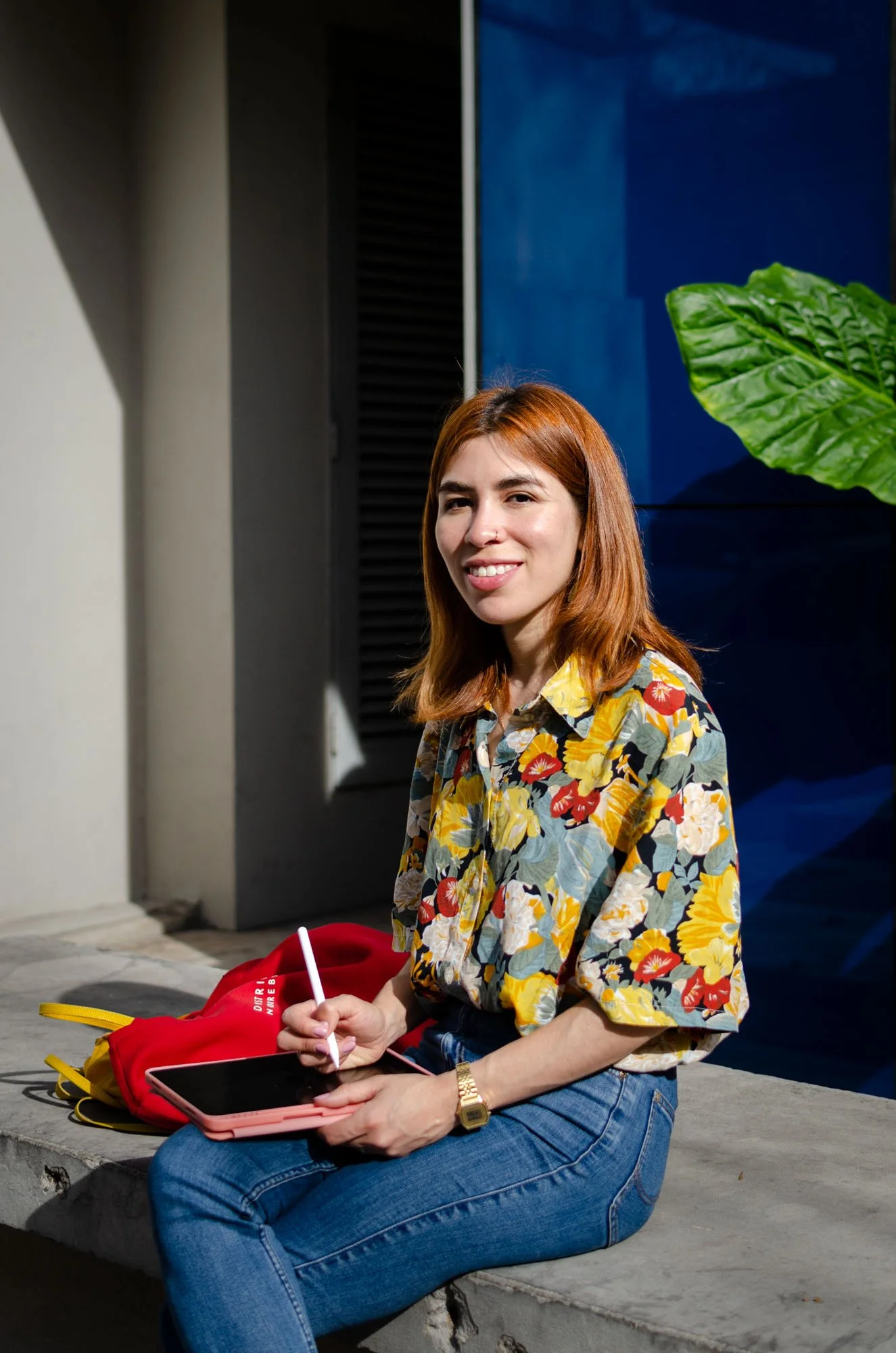
I'm a multidisciplinary designer who believes that good design is always felt before it's understood. Born in Buenos Aires, now building bold brands and digital experiences from Berlin.

Have an idea?
•
Make it visual
•
Have an idea? • Make it visual •
I design with feelings in mind
I believe good design doesn't just look good, it serves a purpuse: communicates a feeling, reinforces a brand, and creates a whole universe around an idea. That's what gets me excited about the work.
I moved from Buenos Aires to Germany in 2018, lived in a few cities, and chose Berlin for its energy and cultural richness. It's hard not to be inspired here, there's alway something happening.
When a project lands on my desk, the first thing I ask is: who is this for, and what should it make them feel? Then comes the research, the moodboards, the sketches and eventually, the design.
— A BIT MORE
I get inspiration from my experiences
A few things that make me, me and i love doing
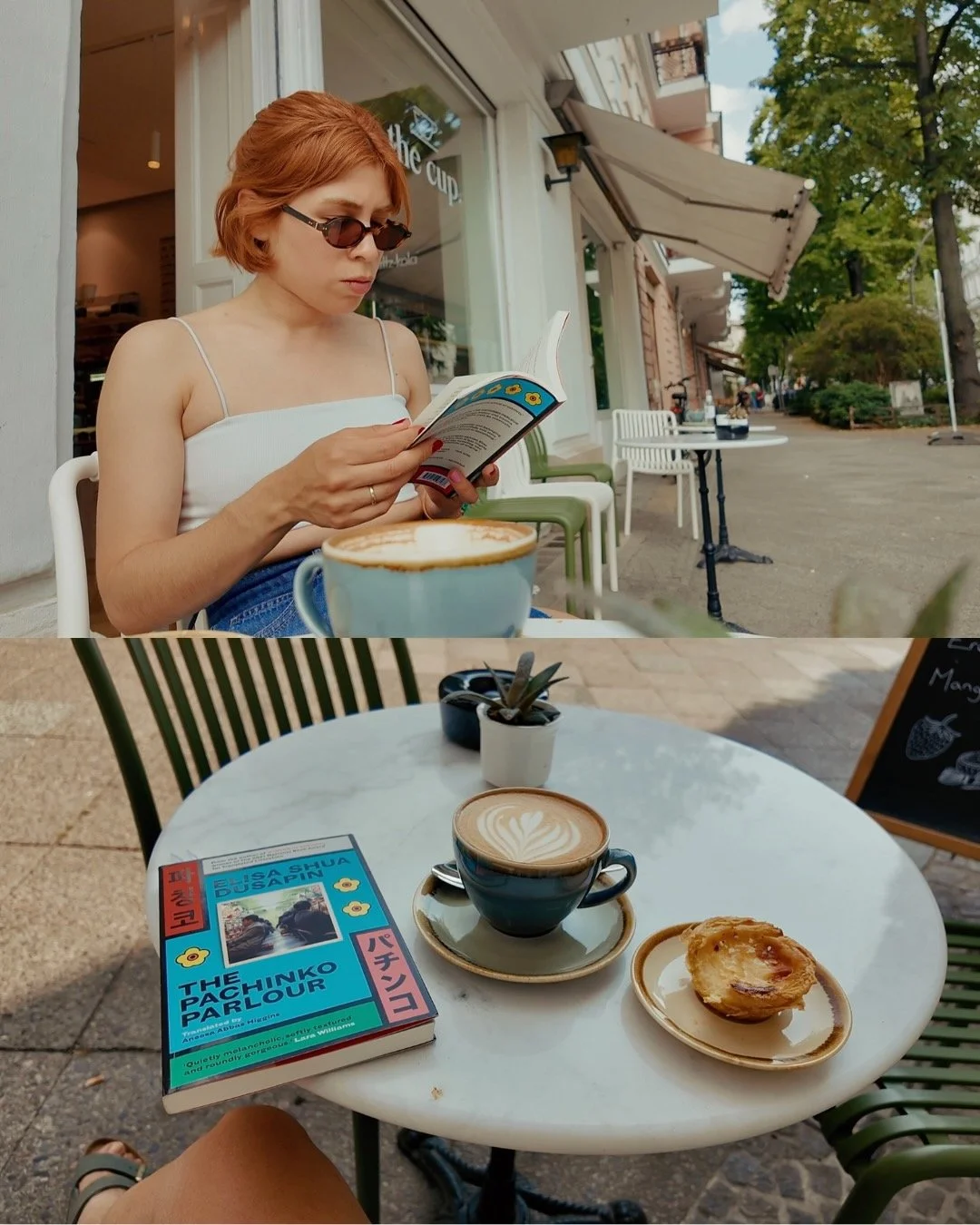
my first thought every morning: coffee.
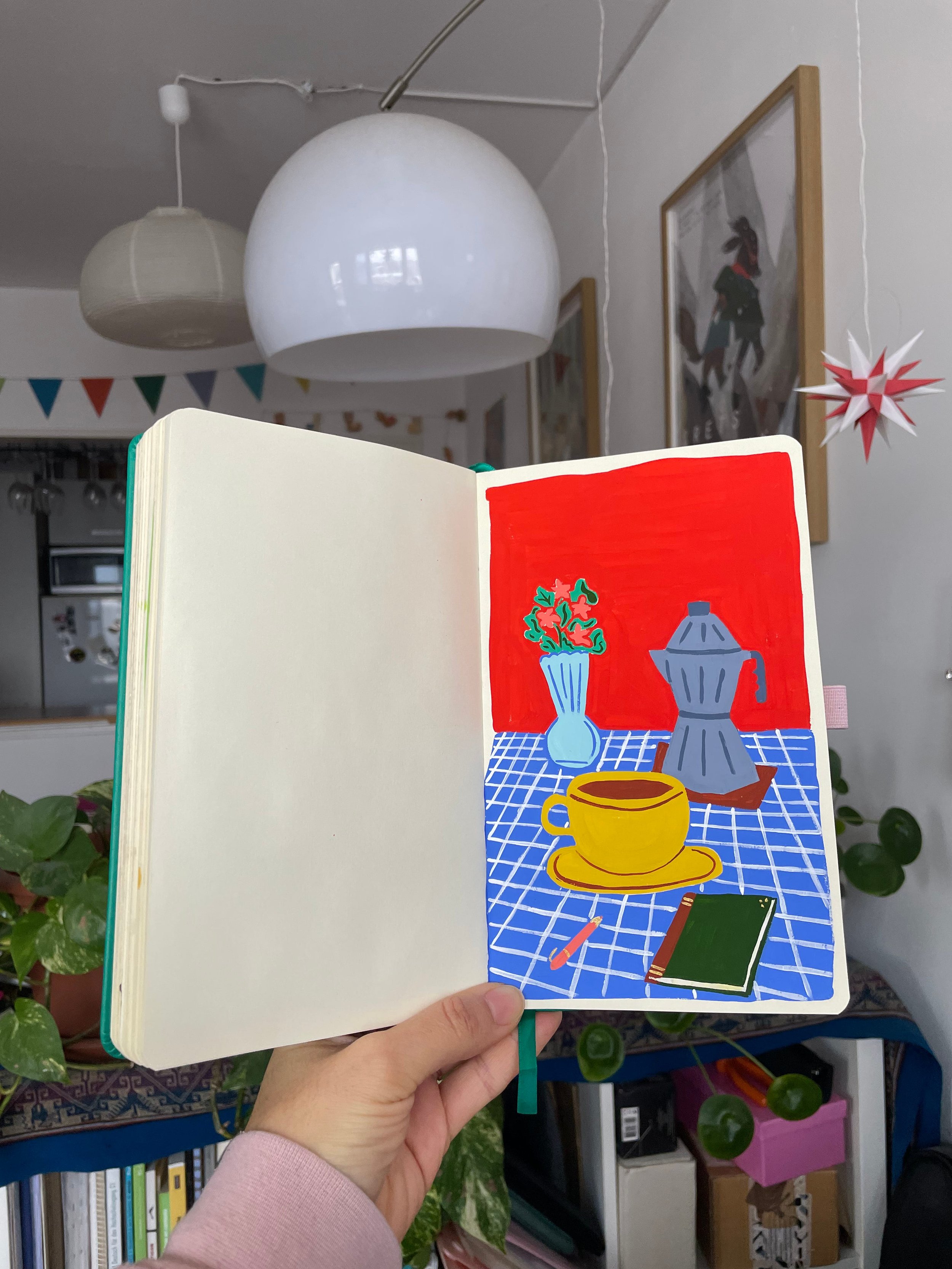
when not designing, you'll find me painting.

I'm always reading something.

love journaling & collaging.
— MY TOOLKIT
I carefully choose my tools
The idea always comes first. The tools just make it real. Good tools don't make the design, but the right ones make it possible. Here's what's open on my screen most days.
Figma
Figma is what I'd call my sketchbook. Every design starts in Figma. Digital design, UI design, interactive prototypes, and collaborative design systems. The one I have open most days.
Adobe Suite
Photoshop and Premiere are my sharpest tools for photo editing, image composition and video work. Illustrator for anything that requires vectors. InDesign when needed. 14+ years using Adobe
Affinity
Affinity is such a powerful alternative to Adobe. I use it mostly for editorial illustration and editorial layouts. The different functional spaces make it a great "all-in-one solution" and it's free.
Canva
Love Canva for bulk designs and creating templates for someone to use and adapt. User-friendly and great for creating social media posts and client handoffs.
Procreate
Procreate + iPad= my perfect setup to draw. All my hand-drawn illustrations are here. I usually sketch on paper first, then bring it to Procreate. Just one downside: no vectors.
E-Mail & Office Tools
E-Mails, MS Office, Google Workspace for documentation, client communication, and staying organised across projects and teams.
— LET’S COLLABORATE